
A VLC alternative with a clean, modern screen
VLC plays almost anything, but its menus can feel old and crowded. KinoFlux Player keeps the controls you use in one place, in a simple dark design.
Nitiksh Kumar1 min readKinoFlux Player
On this page
VLC is the player most people install first, and for good reason. It is free and plays nearly every file.
But many people find it plain and a little confusing. Speed, picture and audio settings sit in different menus and dialogs, and the look has not changed much in years.
What VLC does well#
- Plays almost any file you throw at it.
- Free, on almost every system.
- Huge number of settings for people who like to tweak.
Where KinoFlux Player is different#
- Clean, modern screen. A dark, simple design that keeps the video first.
- Controls in one place. Playback speed and picture and audio adjustments are right there while you watch, not buried in menus.
- Library and home screen. Your local videos are easy to find again.
- Smooth 4K. Hardware-accelerated playback on Windows and macOS.
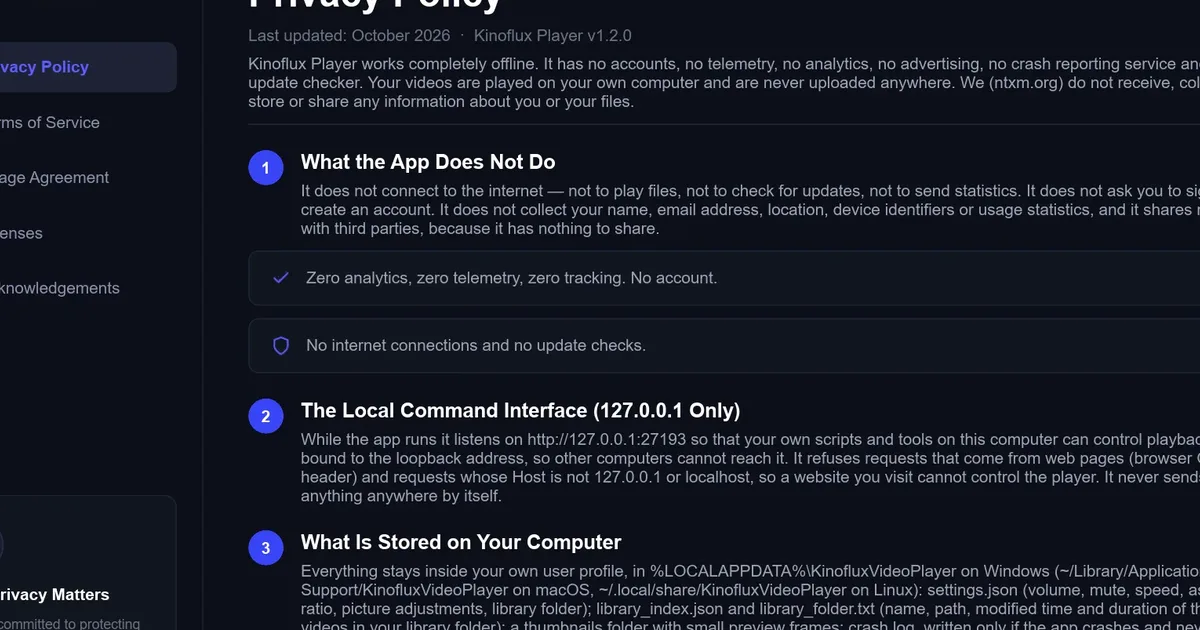
- Private. No account, no telemetry, no upload.
Side by side#
| VLC | KinoFlux Player | |
|---|---|---|
| Price | Free | Free |
| Look | Classic menus | Modern dark design |
| Speed and picture controls | In menus and dialogs | In one place while playing |
| Local library | Playlist based | Library and home screens |
| Platforms | Many | Windows 10/11, macOS (Apple Silicon) |
Who should switch#
Keep VLC if you rely on its deep settings or need a platform KinoFlux Player does not support. Try KinoFlux Player if you just want to open a video and have it look and feel good.
Related guides#
Frequently asked questions
Is there a modern alternative to VLC?
Yes. KinoFlux Player is a free video player for Windows and Apple Silicon Macs with a clean dark design and the main controls in one place.
Can KinoFlux Player play MKV files?
Yes. It plays common files including MKV, MP4, AVI, MOV and WebM, with hardware-accelerated playback for smooth 4K.
Does it track what I watch?
No. There is no account, no telemetry and no cloud upload. Your videos stay on your computer.
- vlc alternative
- video player
- windows
- macos