
KinoFlux Player
The Modern, Minimalist Video Player for Windows
Designed for one thing: the viewing experience. We stripped away cluttered menus and complex settings to create a lightweight, distraction-free environment for your media.
About KinoFlux Player
Whether you're watching high-definition movies or personal clips, KinoFlux puts the content center stage with a sleek dark-mode interface that looks great on Windows 10 and 11.
Key Features
Distraction-Free UI
No toolbar clutter. Just your video and essential controls that appear when you need them.
Modern Aesthetics
Built with a "dark mode first" philosophy for comfortable extended viewing sessions.
Lightweight
Launches instantly and uses minimal system resources. Built for performance.
Format Support
Plays all standard video formats smoothly including MKV, MP4, AVI, and more.
Easy Controls
Intuitive seeking, volume adjustment, and playback management at your fingertips.
Private & Secure
Runs locally on your machine. No tracking, no cloud uploads, complete privacy.
Screenshots
See KinoFlux Player in action
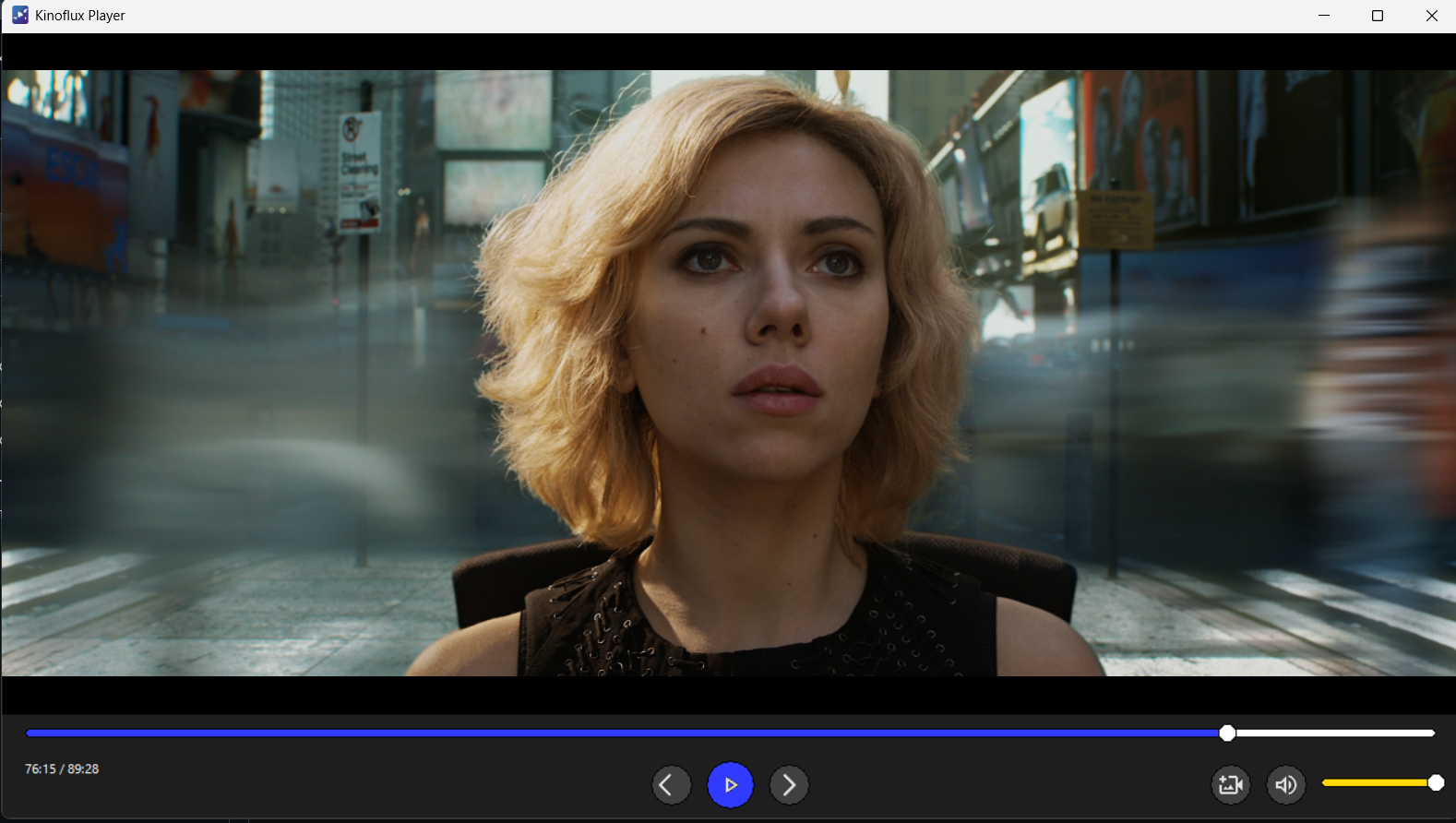
Clean playback interface focused on the content.
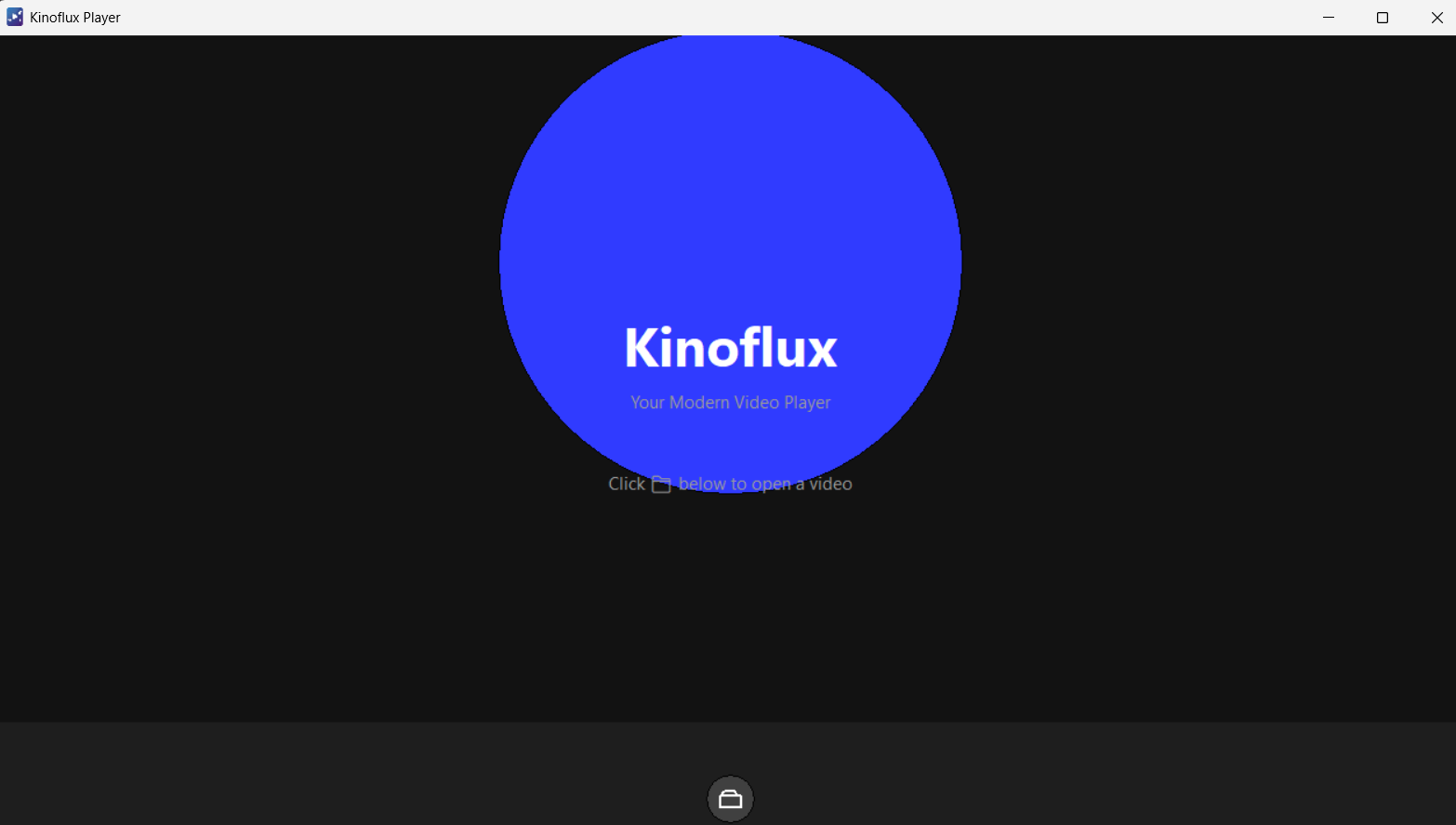
Simple "Open Video" welcome screen.
Installation
KinoFlux is built exclusively for Windows 10 and 11
Download the Setup File
Get the latest kinofluxPlayer-Setup.exe from GitHub Releases.
Run the Installer
Double-click the downloaded file and follow the installation wizard.
Launch KinoFlux
Find KinoFlux in your desktop or start menu and launch it.
Start Watching
Drag and drop a video or click the folder icon to start enjoying your media.
Privacy & Safety
KinoFlux runs locally on your machine. It does not track your viewing habits or upload your files to the cloud. Your media stays private and secure.
Ready to Experience KinoFlux?
Download KinoFlux Player now and enjoy a clean, modern video viewing experience.
Created by ntxm.org