Free Story-Based Typing Practice — Type Classic Books, Not Random Words
Why random word drills stall real typing speed, and how TypeMaster’s Story Mode lets you practice with 1,400+ public-domain books while tracking WPM and accuracy.
Nitiksh
August 2026
Free Story-Based Typing Practice — Type Classic Books, Not Random Words
Most typing tutors still generate nonsense. You hammer five-letter strings, chase a WPM number, and never write a sentence you would actually send. That is useful for the first week of home-row drills. After that, it trains a skill that does not transfer: typing noise.
TypeMaster is built around the opposite idea. You practice by retyping real prose — chapter by chapter — from a library of more than 1,400 public-domain books. The session still measures words per minute and accuracy. The text is Dickens, Austen, Conan Doyle, or Joyce instead of fjdk sla;.
What random word generators miss
Dummy-word tutors isolate letter pairs. They are good at teaching where F and J live. They are bad at teaching the rest of typing:
- Punctuation and quotes. Real writing uses commas, em dashes, apostrophes, and dialogue. Random lists almost never do.
- Sentence rhythm. You do not type in five-letter bursts at work. You type clauses.
- Vocabulary. Rare spellings show up in books long before they show up in a “common English words” list.
- Endurance. A 60-second test is not the same as staying accurate for a chapter.
"High WPM on gibberish is a score. High WPM on a paragraph you understand is a skill.
If you already know the home row and want practice that feels like writing, story typing is the shorter path.
How Story Mode works
TypeMaster’s library is organized as books, not as infinite random streams. You pick a title, open a chapter, and type the text as it appears. Correct words stay clean. Mistakes stay visible until you fix them. When the chapter ends, you get WPM and accuracy for that session — not a leaderboard that needs an account.
The collection is literature, not licensed bestsellers. That is why the catalog can stay free: the texts are public domain. You can browse the full library on the live site:
https://typemaster.ntxm.org/stories/
If you would rather start from a writer instead of a title, the author index groups books under Shakespeare, Christie, Twain, Verne, and many others:
https://typemaster.ntxm.org/authors/
A practical way to start
- Open TypeMaster in the browser. No signup.
- Go to Stories and pick a book you would actually finish. Short fiction and children’s titles are easier first sessions than a dense novel.
- Type one chapter. Ignore the urge to restart after the first typo. Accuracy is the metric that moves WPM later.
- Repeat the same chapter the next day if it felt choppy. Familiar text is how rhythm settles.
- When home-row work still feels shaky, use the structured Levels track, then return to stories.
You do not need to finish Ulysses to get value. A clean chapter of Alice in Wonderland or a Sherlock Holmes story is enough volume for a serious session.
What to watch besides WPM
Speed without accuracy is noise. TypeMaster colors the stream as you type, so you see the miss immediately instead of discovering it at the summary screen.
Useful targets for story sessions:
| Focus | Why it matters |
|---|---|
| Accuracy first | Below ~97%, extra speed usually means more backspacing. |
| Punctuation | Commas and quotes are where “fast typists” still look down. |
| Chapter length | One complete chapter beats three abandoned 30-second sprints. |
| Same author, next book | Recurring vocabulary builds muscle memory faster than hopping genres. |
If you write code for a living, Story Mode is still the endurance work. Switch to the coding track when you want braces, brackets, and operators as the drill — then come back to prose so your hands do not forget ordinary English.
Web practice vs a dedicated app
The browser edition is enough to start. Stories, authors, and WPM tracking all run at typemaster.ntxm.org. If browser tabs and input lag get in the way, the desktop build is the same product running locally. Details, installers, and the web-versus-desktop comparison are in Offline typing practice for Windows and macOS.
Frequently asked questions
Is story-based typing actually free?
Yes. TypeMaster does not put Story Mode behind a trial or an account. The web app and the desktop app are both free.
Do I need to create a profile?
No. You can start typing from the stories library immediately.
Are the books legal to type through?
The library uses public-domain texts. You are practicing on literature that can be redistributed, not on copyrighted bestsellers.
Can I pick by author instead of hunting titles?
Yes. The authors page lists writers with book counts, then you drill into a title and chapter.
Random-word tutors still have a job: the first week of finger placement. After that, type something that reads like writing. Open a chapter, keep accuracy high, and let WPM follow.
Start here: TypeMaster Story Mode.
Related Posts
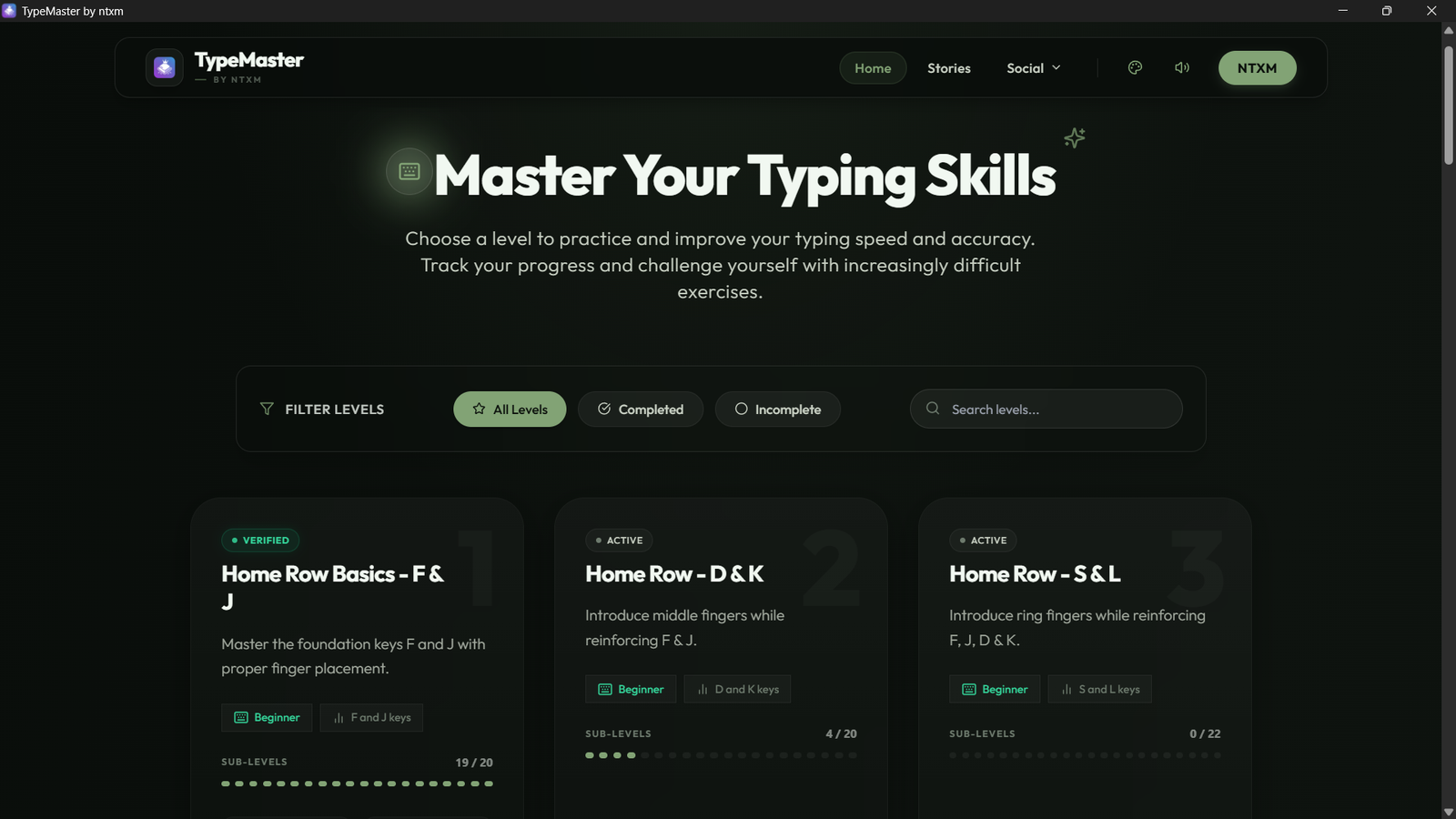
How to run TypeMaster without a browser tab. Download the free Windows or macOS app, practice stories and lessons offline, and keep session logs on your machine.