Offline Typing Practice for Windows and macOS — Free Desktop Software, No Signup
How to run TypeMaster without a browser tab. Download the free Windows or macOS app, practice stories and lessons offline, and keep session logs on your machine.

Nitiksh
August 2026
Offline Typing Practice for Windows and macOS — Free Desktop Software, No Signup
Browser typing tutors work until the rest of the browser gets involved. A notification, a new tab, a sluggish input field, and the session is no longer about the keyboard. If you want practice that stays on your machine — no account, no ads, no required internet after install — TypeMaster has a native desktop build for Windows and macOS.
The desktop app is the same product as the web edition: stories, skill levels, coding glyphs, WPM, and accuracy. The difference is where it runs. Input stays local. Progress stays on disk. You can close the browser entirely.
Product overview: TypeMaster on NTXM.
Installers: https://typemaster.ntxm.org/download/.
Why people leave the browser for typing practice
A web tutor is convenient. It is also sharing a process with everything else you have open. Typical costs:
- Input latency. Browser key handling is fine for forms. For timed practice it is extra milliseconds on every keystroke.
- Focus. The same window that runs the lesson also runs mail, chat, and the next search.
- Connectivity. A dropped connection should not end a chapter you were already typing.
- Privacy. Session data does not need to live on someone else’s server if the app can keep it locally.
TypeMaster Desktop is built for that gap. The download page lists native latency under 1 ms versus roughly 10–30 ms in the browser. You do not need those numbers to feel the difference; you need a quiet window and a keyboard.
Web vs desktop
| TypeMaster Web | TypeMaster Desktop | |
|---|---|---|
| Story library | Yes | Yes |
| Skill levels | Yes | Yes |
| Coding glyphs | Yes | Yes |
| Internet | Required | Not required after install |
| Input | Browser | Native |
| Price | Free | Free |
| Account | None | None |
If you only want to try Story Mode, start in the browser: https://typemaster.ntxm.org/. If you already know you want an offline window, skip straight to the download.
The web library and why books beat dummy words are covered in free story-based typing practice.
How to install TypeMaster Desktop
- Open the official download page: https://typemaster.ntxm.org/download/.
- Choose the build for your machine.
- Windows:
.msior.exe, 64-bit. Windows 7 through 11. - macOS:
.dmgfor Apple Silicon (M1 and later), macOS 11 or newer.
- Windows:
- Run the installer. There is no account step and no extra toolbar.
- Launch TypeMaster and start a lesson or a chapter. Progress is stored locally.
Binaries are published through GitHub release tags from that download flow. Disk use is around 150 MB. RAM need is modest (512 MB listed as a minimum).
After install
Use the desktop client the same way you would use the site:
- Stories for literature chapters
- Levels for structured drills
- Coding when you want braces, brackets, and operators
When you want a backup of results, export a CSV from the local logs. That file is yours. Nothing in that flow requires signing in.
What “offline” actually means here
Offline means the practice loop does not call a server. You can type on a train, in a lab without guest Wi-Fi, or with the network disabled. You are not downloading a new novel from the internet on every launch once the app is installed.
It does not mean you should grab the installer from a random mirror. Use the official download page so you get the GitHub-published build.
Frequently asked questions
Is the desktop app free?
Yes. No trial clock, no paid tier inside the client, no ads in the practice UI.
Do I need an internet connection to type?
Not after the app is installed. Practice, scoring, and local logs run on the machine.
Windows and Mac only?
The native builds are Windows and Apple Silicon macOS. The web app covers other setups, including a tablet with an external keyboard.
Is it safe to install?
The project is open source. Installers are distributed from official GitHub releases linked on the TypeMaster download page, not from bundled “driver updater” sites.
If the browser is where you sample TypeMaster, the desktop app is where long sessions belong. Download it, pick a chapter, and keep the rest of the machine out of the way.
Related Posts
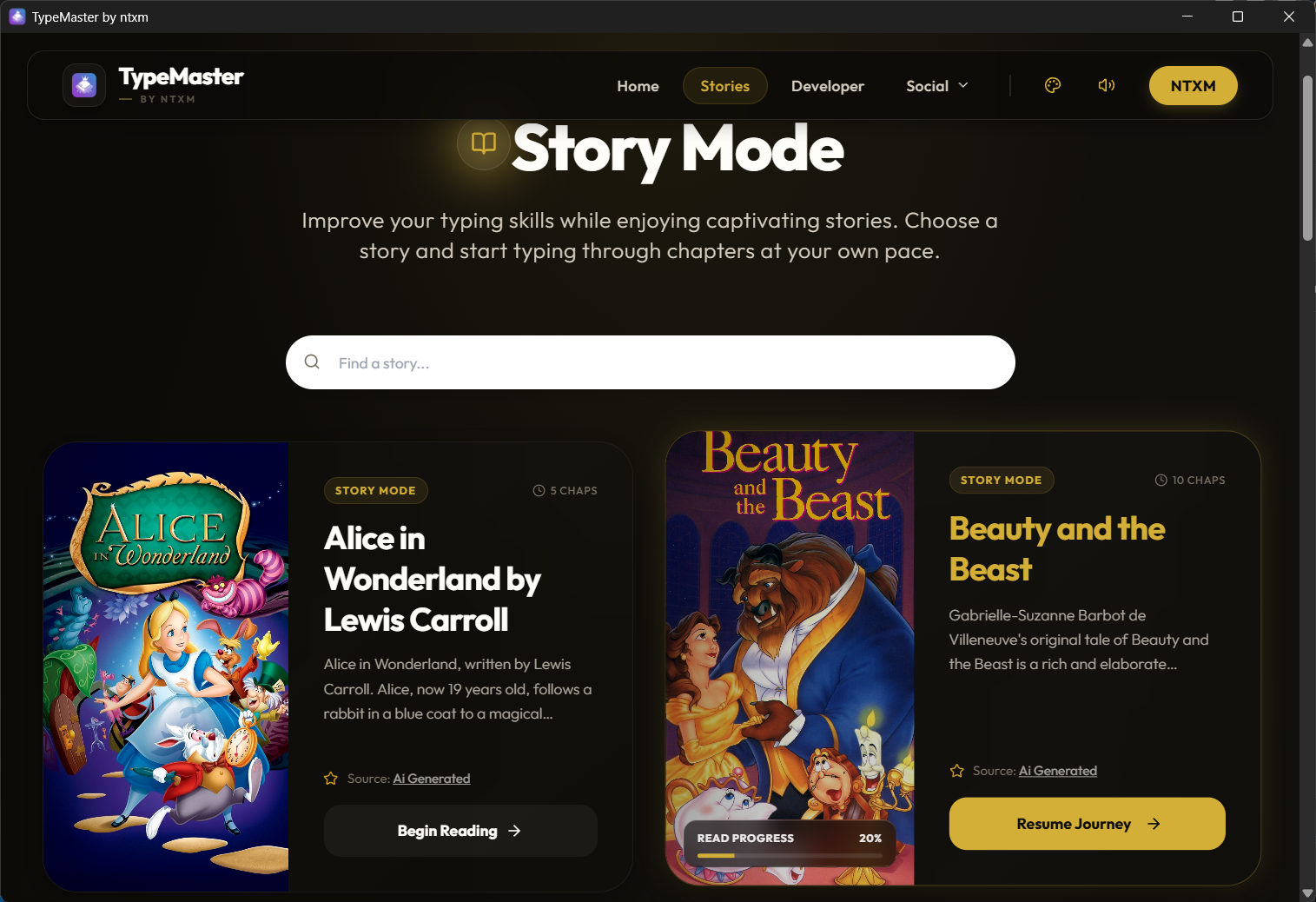
Why random word drills stall real typing speed, and how TypeMaster’s Story Mode lets you practice with 1,400+ public-domain books while tracking WPM and accuracy.