A CloudConvert alternative that keeps files on your computer
CloudConvert converts almost anything, but every file goes to its servers first. KinoFlux Editor converts video, audio, images, PDFs and documents offline.
Nitiksh Kumar2 min readKinoFlux Editor
On this page
CloudConvert is the site many people use when a file is in the wrong format. It handles a long list of formats and the results are good.
The trade-off is simple: to convert a file, you upload it.
What CloudConvert does well#
- Converts a very wide range of formats.
- Works in any browser, nothing to install.
- Has an API for developers.
Why some people avoid uploading#
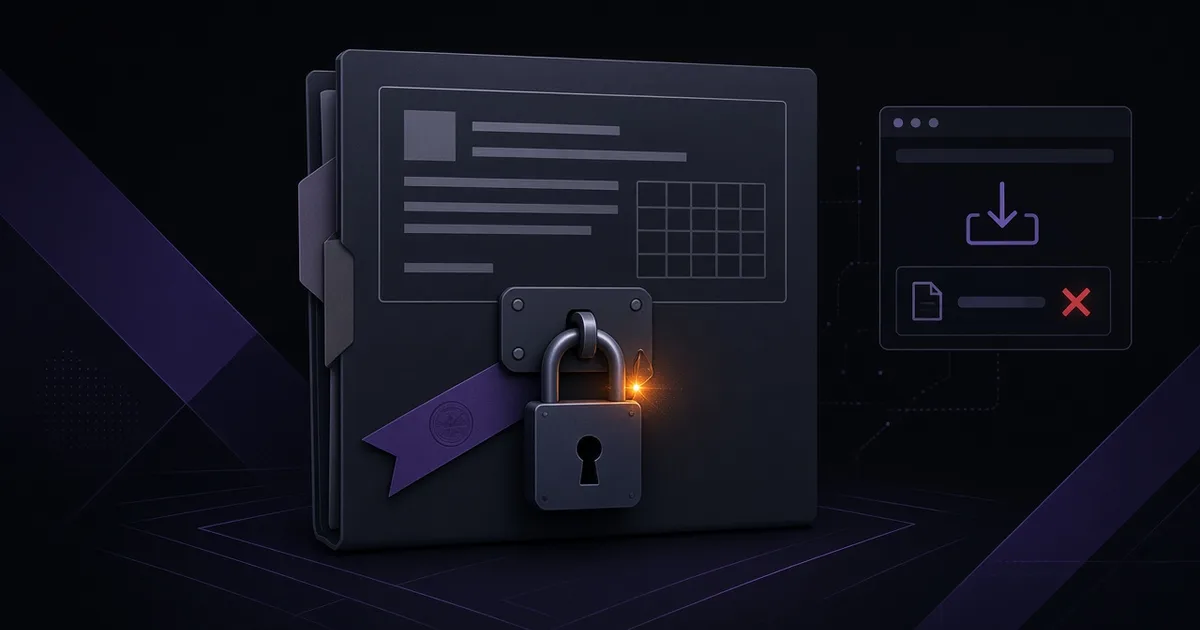
Maybe it is a scan of your passport, a family video, a work document or a form for a government office. You may not be allowed to upload it, or you may just not want to. Any online converter has to receive the file to work on it.
What KinoFlux Editor does instead#
KinoFlux Editor puts the common jobs in one desktop app and runs them on your computer:
- Video: convert to MP4, make smaller, trim, join, split, rotate, make a GIF, add subtitles or a logo
- Audio: convert to MP3, cut, join, fade, fix quiet audio
- Images: open HEIC, WebP or AVIF as JPG, resize and compress in bulk, remove hidden metadata
- PDF: merge, split, compress, protect, add page numbers
- Documents: Word, Excel and PowerPoint to and from PDF, open old DOC and XLS files
There are 66 tools in total. You do not need to know anything about video or file formats. Pick the files, pick the job, press start.
Side by side#
| CloudConvert | KinoFlux Editor | |
|---|---|---|
| Where the file goes | Uploaded to a server | Stays on your computer |
| Works without internet | No | Yes |
| Free use | Daily limit | Free, no limit set by the app |
| Account | Needed for more use | None |
| Platforms | Browser | Windows 10/11, macOS (Apple Silicon) |
Related guides#
Frequently asked questions
Is there an offline alternative to CloudConvert?
Yes. KinoFlux Editor is a free desktop app that converts video, audio, images, PDFs and Office documents on your own computer, with no upload.
Do I need internet to use KinoFlux Editor?
Only to download it. After that it works fully offline and never opens a network connection.
Is KinoFlux Editor a video editor like CapCut?
No. It is a file processing tool. You pick files, pick one job, and get the result. There is no timeline.
- file converter
- cloudconvert alternative
- offline
- privacy