
Excel to CSV and CSV to Excel, with the right separator
An import form wants CSV, but you have an Excel file. Or a CSV export opens as one long column of text with semicolons. How to convert both ways with KinoFlux Editor and pick comma, semicolon or tab.
Nitiksh3 min readKinoFlux Editor
On this page
CSV is the plain-text format that shops, banks, mailing tools and databases use to move tables around. The trouble is in the details. An import form refuses your .xlsx and wants CSV. Or you download a CSV and Excel shows everything in column A, because the file uses semicolons and your Excel expects commas, or the other way round.
KinoFlux Editor has two tools for this:
- Documents - Spreadsheet to CSV saves the first sheet of an Excel or ODS file as CSV.
- Documents - CSV to spreadsheet turns a CSV into a real .xlsx or .ods file.
How to convert Excel to CSV#
- Add the spreadsheet. Drag the .xlsx, .xls, .ods or .xlt file onto the KinoFlux Editor window.
- Pick the tool. Press Ctrl+K (Cmd+K on a Mac), type "csv" and choose Documents - Spreadsheet to CSV.
- Choose the separator. Comma ( , ) is the default. Semicolon ( ; ) and Tab are the other choices.
- Start. Press Ctrl+Enter. You get
name.csvnext to the spreadsheet.
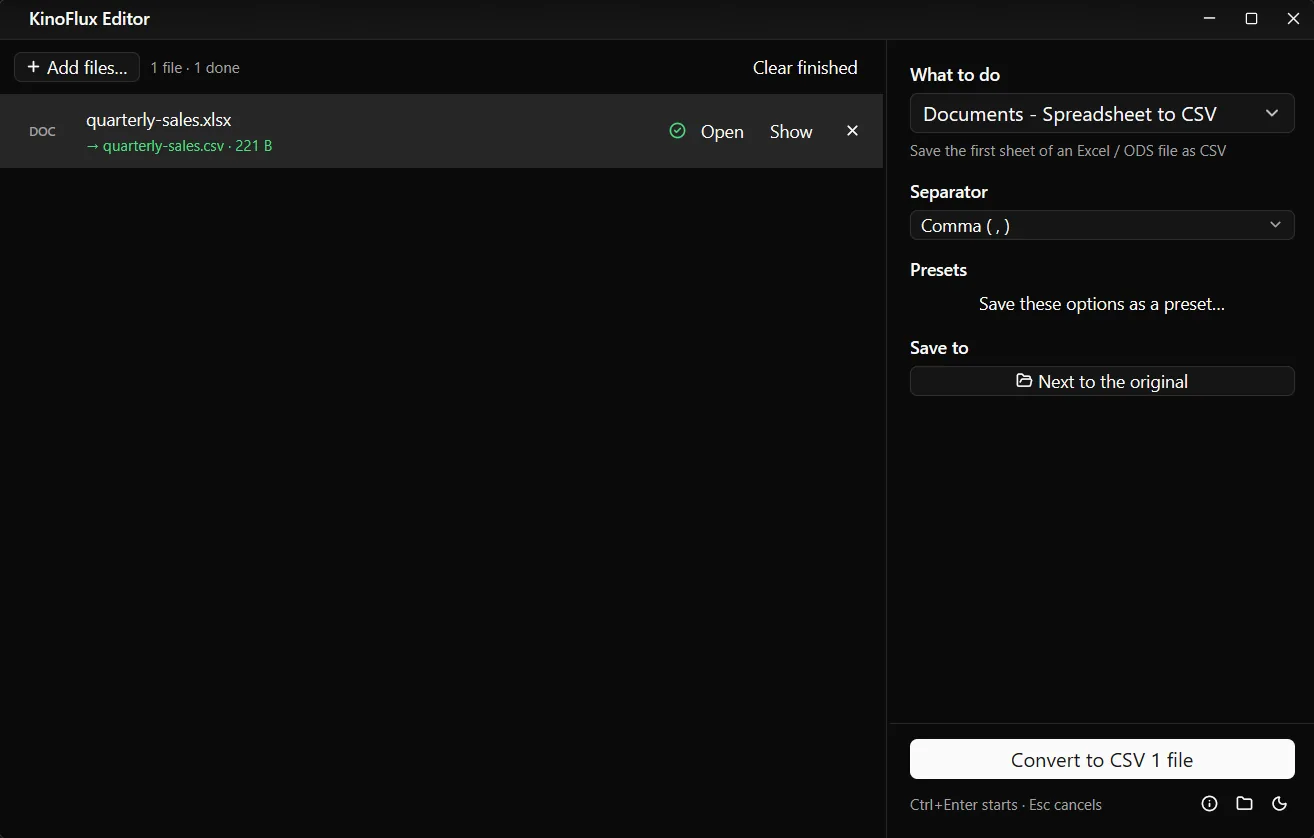
Result: Excel to CSV#
The demo workbook made for these guides has two sheets, "Q3 sales" and "Notes". The CSV holds the first one, with the formula results in the Total column:
Region,July,August,September,Total
North,28411,16370,19748,64529
South,29365,25368,8950,63683
East,23257,16160,29265,68682
West,9699,13139,11709,34547
Central,20182,23370,16079,59631
Online,20476,25817,11341,57634
CSV to Excel#
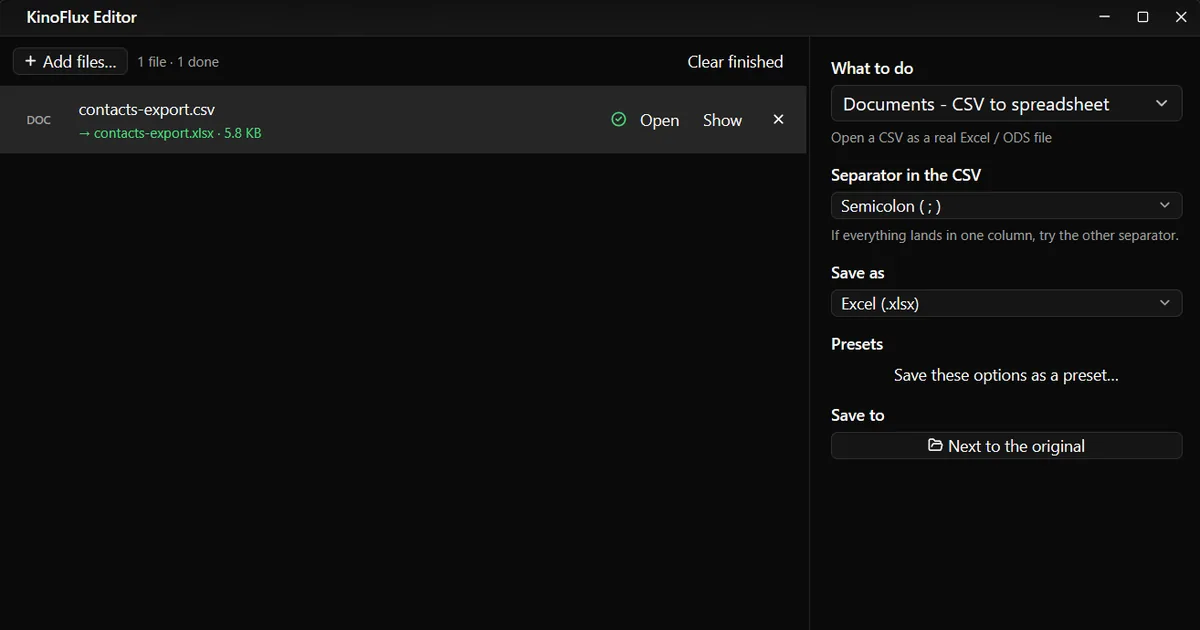
- Add the CSV and choose Documents - CSV to spreadsheet.
- Set Separator in the CSV to what the file uses. Open it in Notepad or TextEdit if you are not sure; if everything lands in one column, try the other separator.
- Choose Save as: Excel (.xlsx) or OpenDocument (.ods).
- Press Ctrl+Enter. You get
name.xlsxnext to the CSV.
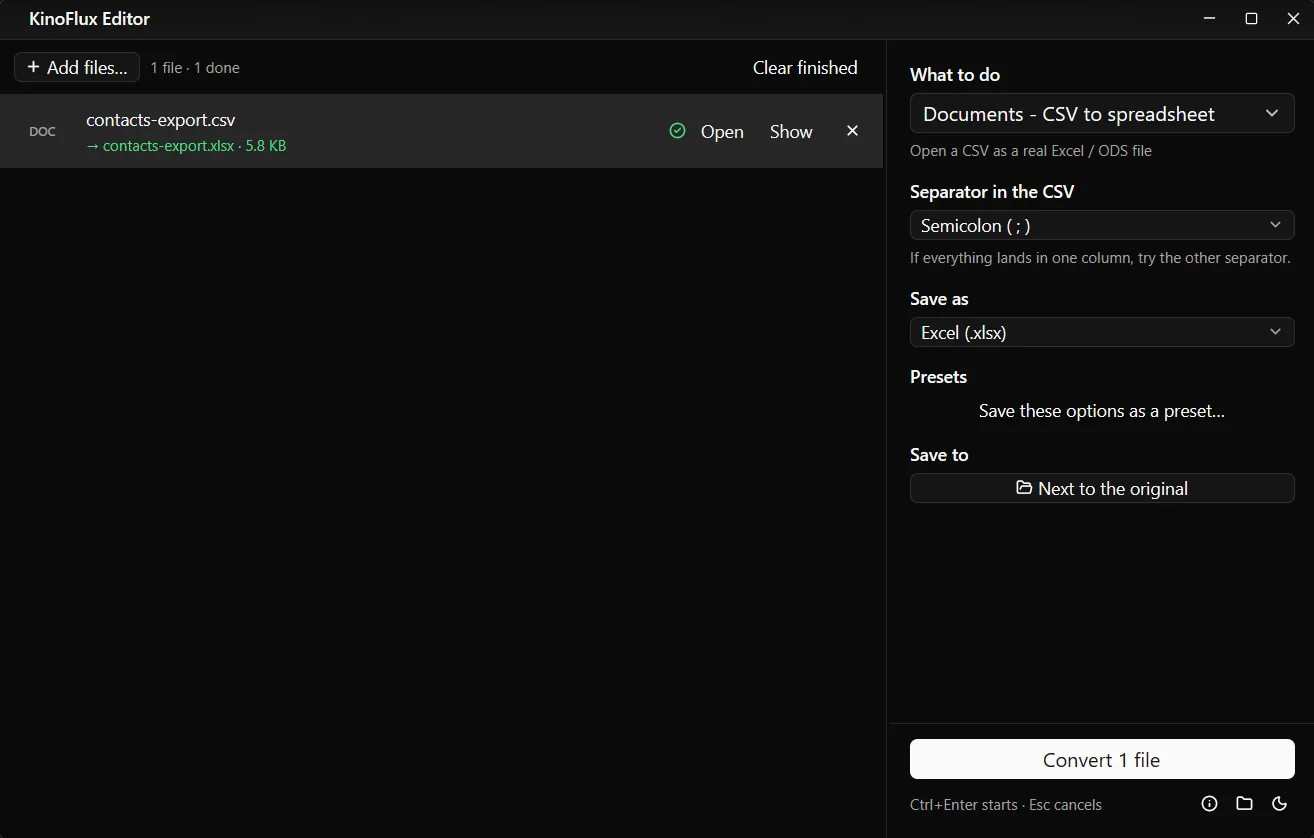
The demo file was a semicolon CSV of contacts (Name;Email;City;Joined). In the .xlsx, each value sat in its own column and the Joined column held real dates like 2026-04-10, so they sort and filter as dates.
Options#
| Tool | Option | Choices | Default |
|---|---|---|---|
| Spreadsheet to CSV | Separator | Comma, Semicolon, Tab | Comma |
| CSV to spreadsheet | Separator in the CSV | Comma, Semicolon, Tab | Comma |
| CSV to spreadsheet | Save as | Excel (.xlsx), OpenDocument (.ods) | Excel (.xlsx) |
Limits#
- First sheet only when saving CSV.
- Values only. CSV has no formulas, colours, merged cells or several sheets. Keep the .xlsx as your working file.
- Leading zeros in codes like 00451 can be read as numbers when a CSV is turned into a spreadsheet, and lose their zeros. Check such columns.
- Number formats follow the CSV. A CSV with decimal commas (12,50) and a comma separator is ambiguous; use semicolon files for those.
- One file at a time for Documents tools.
Related guides#
- A table inside a PDF: convert PDF to Excel.
- Old .xls files from Excel 2003: update old Office files.
- A sheet as a printable file: convert Excel to PDF.
All tools are on the KinoFlux Editor page.
Frequently asked questions
Which separator should I pick?
Comma for most websites, databases and English-language programs. Semicolon for programs set to languages that write decimals with a comma, like German or French Excel. Tab when the data itself has many commas.
Is the CSV saved as UTF-8?
Yes. Accented letters, other scripts and symbols like € come through correctly in programs that read UTF-8.
What happens to formulas?
A CSV holds values only, so the CSV contains each formula's result. In the test, the Total column came out as the computed numbers.
My file has several sheets. Which one is saved?
Only the first sheet. Move the sheet you need to the front in Excel or LibreOffice first, or save it as its own file.
Why did my whole CSV land in one column in Excel?
The separator did not match. Convert the CSV with CSV to spreadsheet and choose the separator the file really uses; the result opens with proper columns in any Excel.
- excel to csv
- csv to excel
- spreadsheets
- documents