NTXM Logo

Blog

Guides and notes on the desktop software we build: how it works, what it does with your files, and how to get more out of it.

Page 3 of 8

  • 4 min readKinoFlux Editor

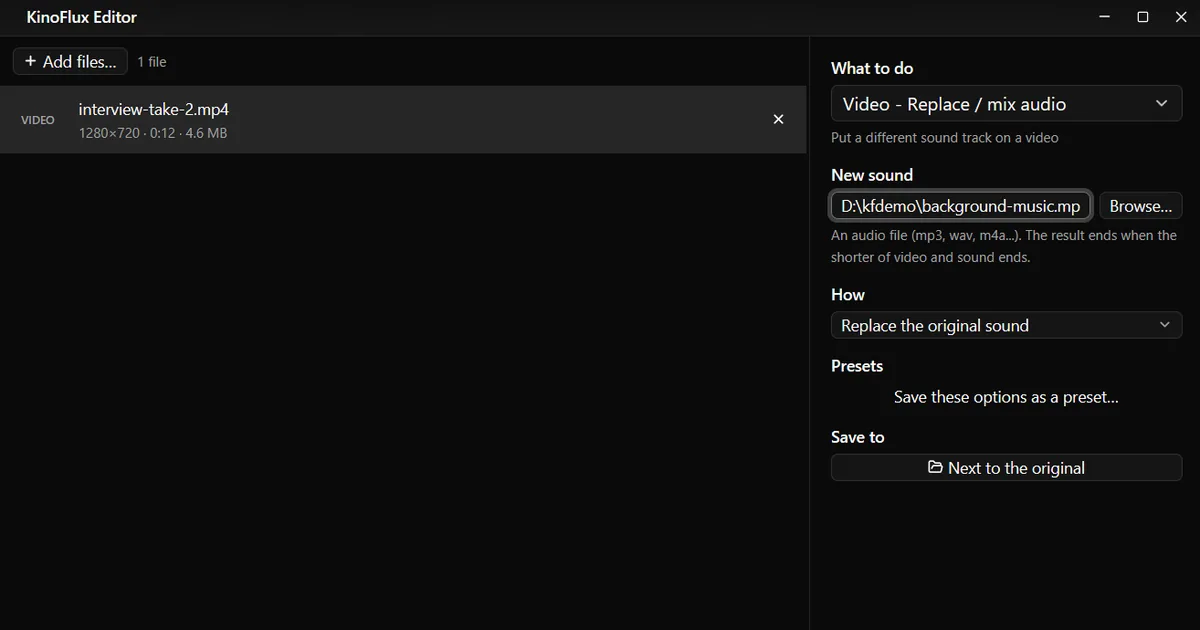
    Mute a video, or swap its sound for music

    Background noise, a private conversation or copyrighted music in a clip you want to share. How to remove the sound from a video completely, or replace it with your own track, in seconds and without re-encoding the picture.

  • 3 min readKinoFlux Editor

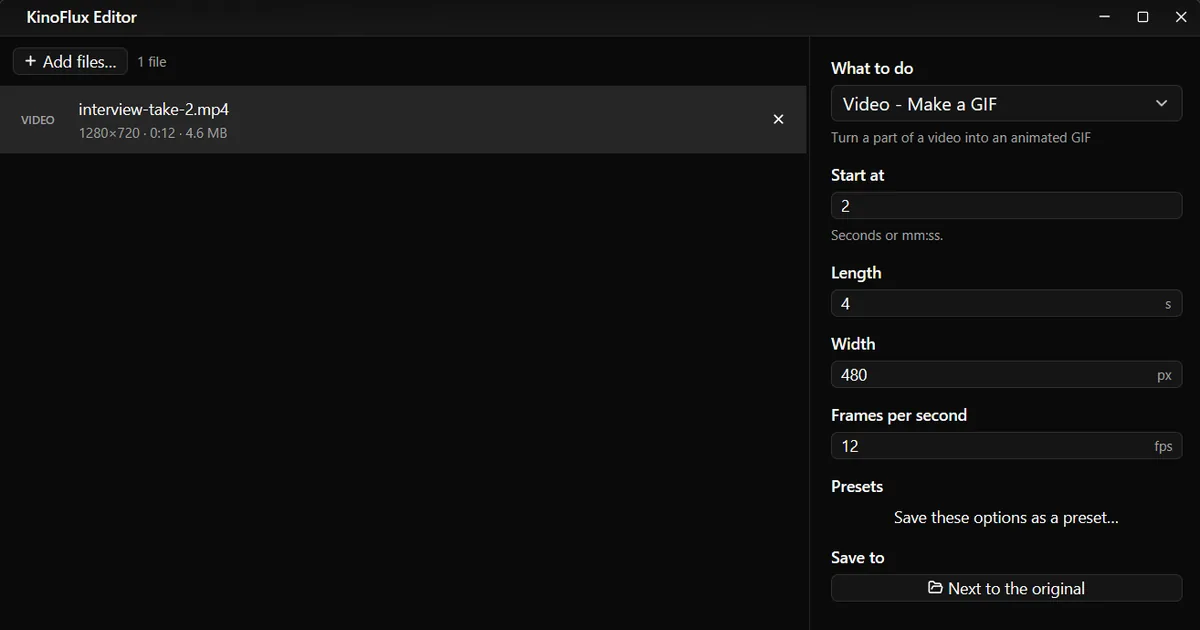
    Make a GIF from a video, or save one frame as a picture

    You want a short looping GIF for a chat, a bug report or a README, or one still image from a clip. How to do both with KinoFlux Editor on your own computer, and which settings keep the GIF small.

  • 3 min readKinoFlux Editor

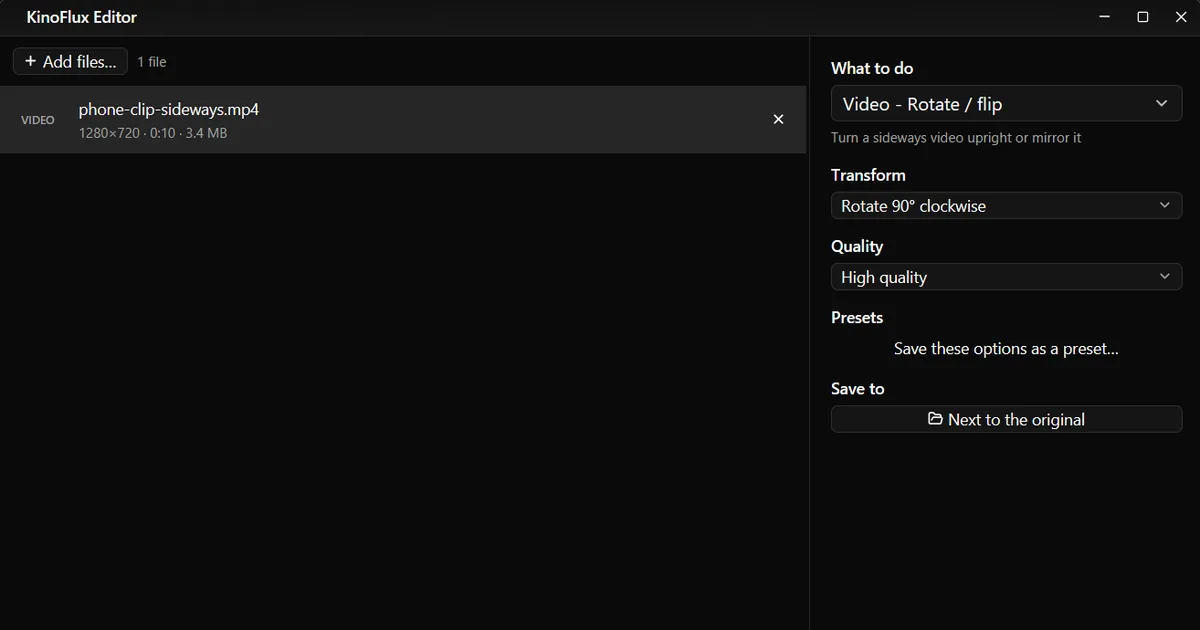
    Fix a sideways or upside-down video: rotate or flip it

    A phone video plays sideways, upside down or mirrored. How to turn it 90 or 180 degrees, or flip it, with KinoFlux Editor on Windows or Mac, so it plays the right way everywhere.

  • 4 min readKinoFlux Editor

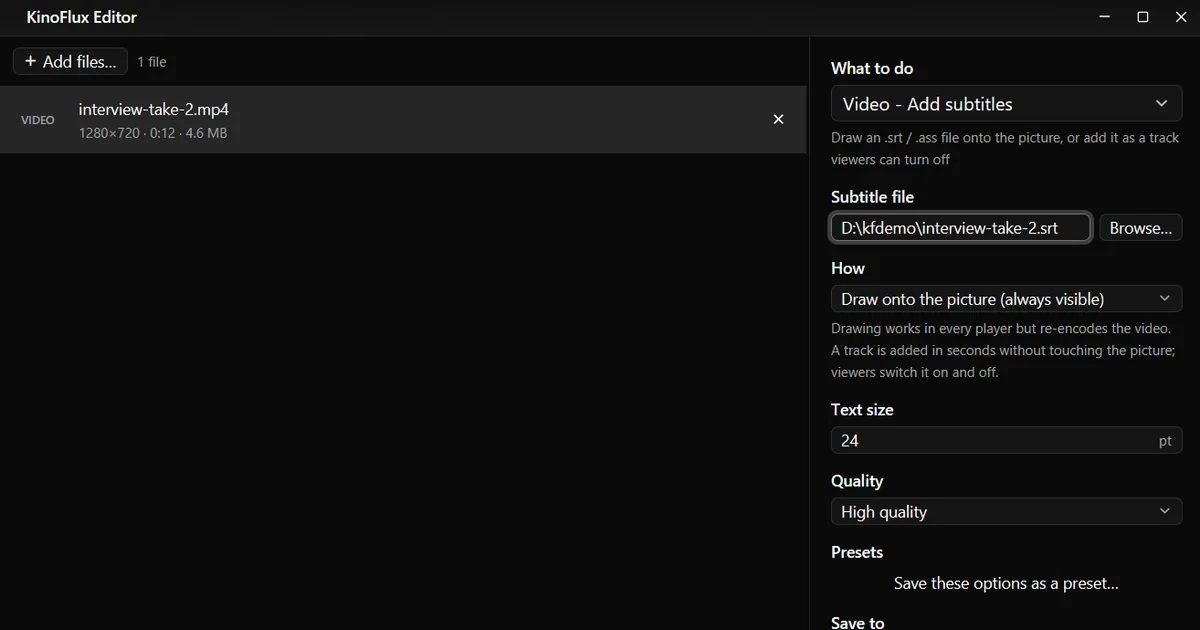
    Add an SRT subtitle file to a video, burned in or as a track

    You have a video and an .srt file, but the subtitles do not show on Instagram, on the TV or in the messaging app. How to put them into the video for good, or add them as a track viewers can switch on and off, with KinoFlux Editor.

  • 3 min readKinoFlux Editor

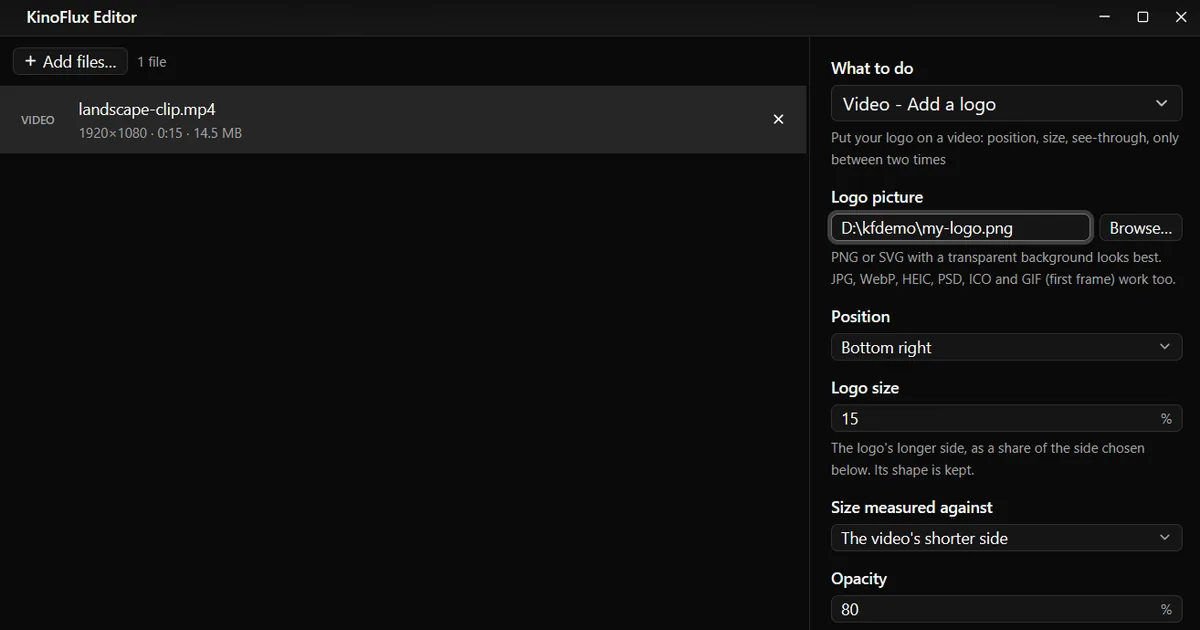
    Add your logo to a video, in a corner and see-through

    Your clips get reposted without credit, or every video for your channel needs the same small logo in the corner. How to put a logo on a video with the right size, position and opacity, offline, with KinoFlux Editor.