2 min readKinoFlux Player
Install KinoFlux Player on Windows and macOS
How to install KinoFlux Player 1.2.0 from the Microsoft Store or the Windows Setup exe, and from the macOS Apple Silicon dmg, including checksum checks and first-start warnings.
Guides and notes on the desktop software we build: how it works, what it does with your files, and how to get more out of it.
Page 4 of 10
2 min readKinoFlux Player
How to install KinoFlux Player 1.2.0 from the Microsoft Store or the Windows Setup exe, and from the macOS Apple Silicon dmg, including checksum checks and first-start warnings.
5 min readKinoFlux Editor
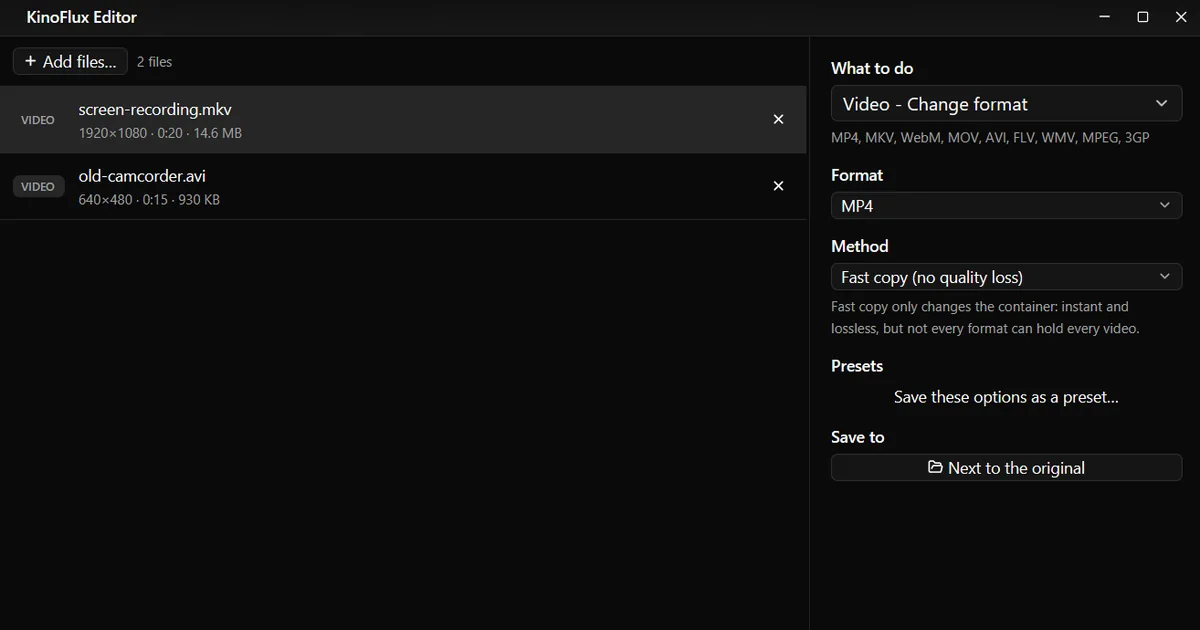
A video will not play on a phone, TV or website because of its file type. Here is how to turn it into an MP4 with KinoFlux Editor, either in seconds without quality loss or with a full re-encode that plays everywhere.
4 min readKinoFlux Editor
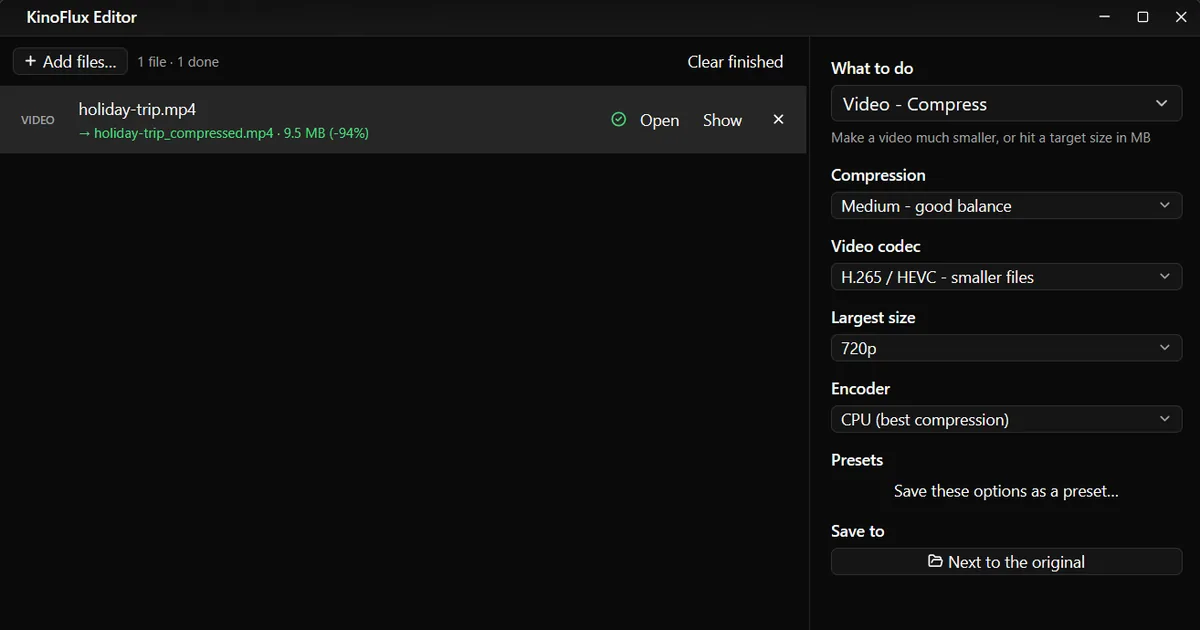
A phone video is too big to send, store or upload. How to shrink it on your own computer with KinoFlux Editor: pick a compression level, switch to H.265, or lower the resolution, with real before and after sizes.
4 min readKinoFlux Editor
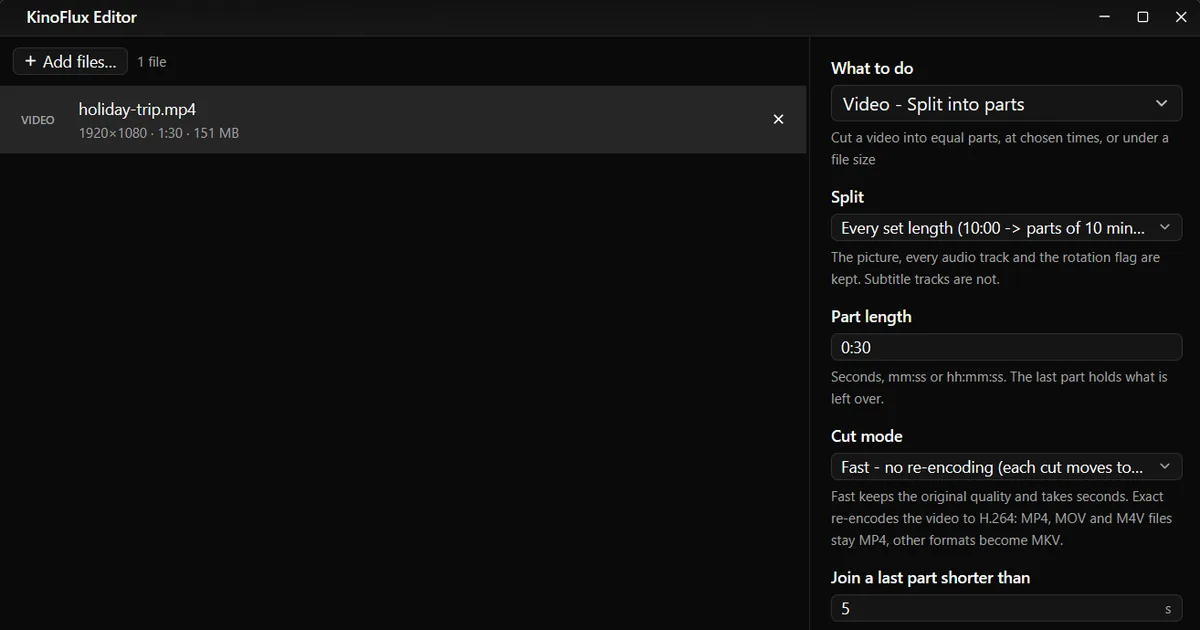
A video is too long or too big for an upload or email limit. How to cut it into equal parts, at times you choose, or into pieces under a size in MB with KinoFlux Editor, without re-encoding.
3 min readKinoFlux Editor
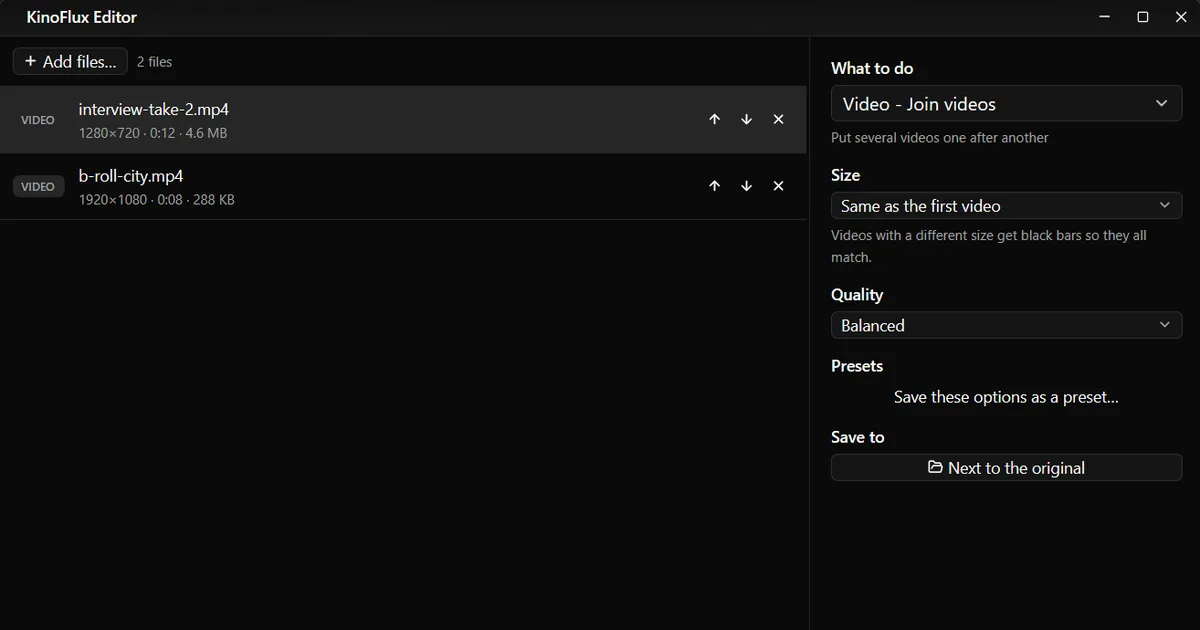
You have a few clips from a phone, a camera and a screen recording and want one video. How to merge them in order with KinoFlux Editor, offline, and what happens when the clips have different sizes.
4 min readKinoFlux Editor
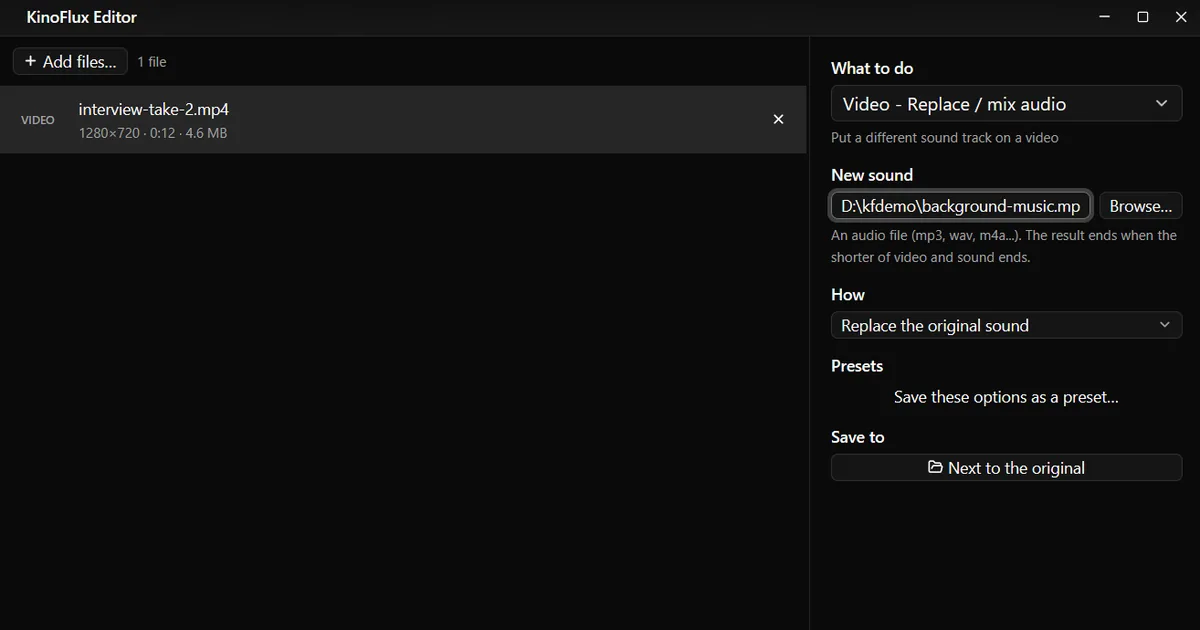
Background noise, a private conversation or copyrighted music in a clip you want to share. How to remove the sound from a video completely, or replace it with your own track, in seconds and without re-encoding the picture.
3 min readKinoFlux Editor
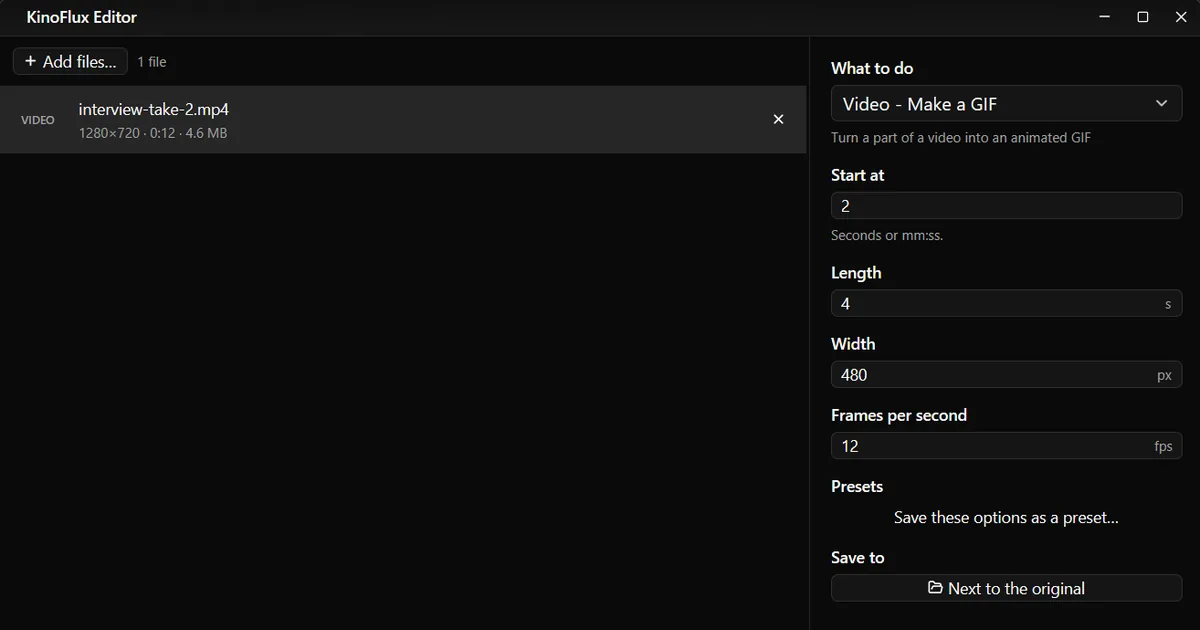
You want a short looping GIF for a chat, a bug report or a README, or one still image from a clip. How to do both with KinoFlux Editor on your own computer, and which settings keep the GIF small.
3 min readKinoFlux Editor
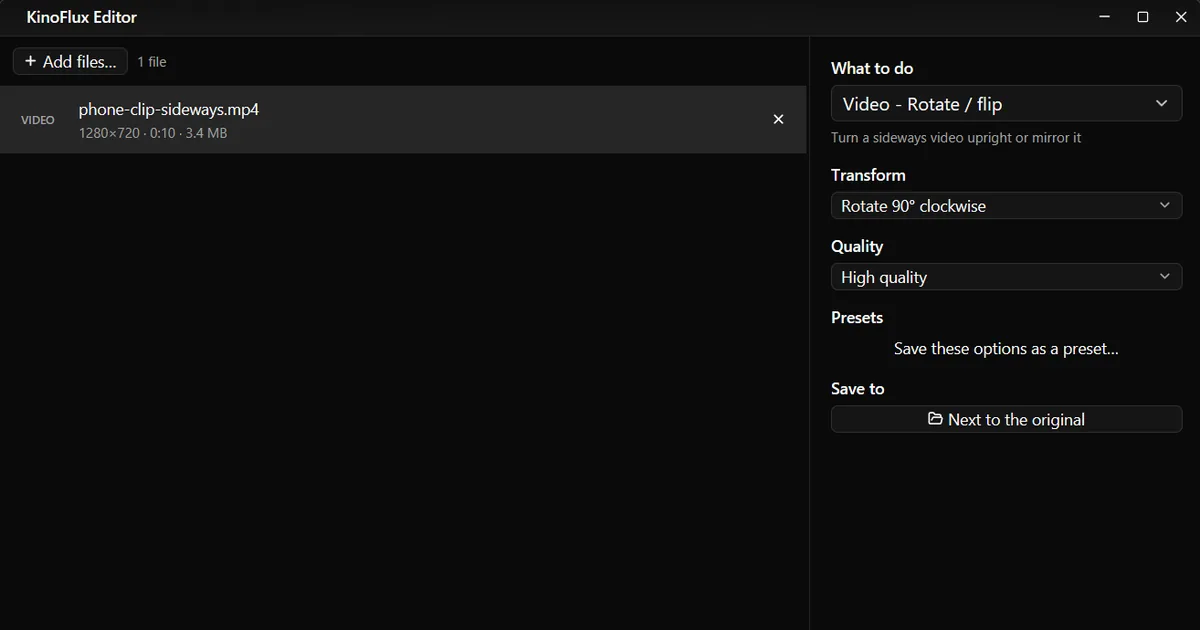
A phone video plays sideways, upside down or mirrored. How to turn it 90 or 180 degrees, or flip it, with KinoFlux Editor on Windows or Mac, so it plays the right way everywhere.