
What KinoFlux Editor does and does not do with your files
A plain account of how KinoFlux Editor 0.1.2 treats your files and your data. What is written to disk and where, how the no-network claim was checked, and the limits of that check.
Nitiksh4 min readKinoFlux Editor
On this page
A tool that opens your videos, scans and contracts should be able to say what it does with them. This post sets out what KinoFlux Editor 0.1.2 does and does not do, using the project's privacy policy and data handling notes. It includes the limits of the checks, because a claim of "offline" is only worth something if you know what it rests on.
The short version#
- No accounts, no telemetry, no analytics, no advertising, no crash upload service and no update checker.
- The program contains no network code of its own.
- Your files are processed by programs that run on your computer. The originals are never changed. Results are written as new files.
- The publisher, ntxm.org, does not receive anything about you or your files.
What the app reads#
Only the files you add to the list, plus folders you add, and any files you point to in an option (for example a subtitle file). It does not scan your disk.
What the app writes#
Besides the results themselves, these items are stored in your user profile:
| What | Windows | macOS |
|---|---|---|
| Settings, presets, history | %APPDATA%\KinoFlux Editor | ~/Library/Application Support/KinoFlux Editor |
| Logs and crash reports | %LOCALAPPDATA%\KinoFlux Editor\logs | ~/Library/Logs/KinoFlux Editor |
| LibreOffice settings folder | %LOCALAPPDATA%\KinoFlux Editor\cache\lo-profile | ~/Library/Caches/KinoFlux Editor/lo-profile |
What these hold:
- Settings include the theme, window size, last used tool, the options you used last, your saved presets and the output folder you chose. The options never include passwords or file paths.
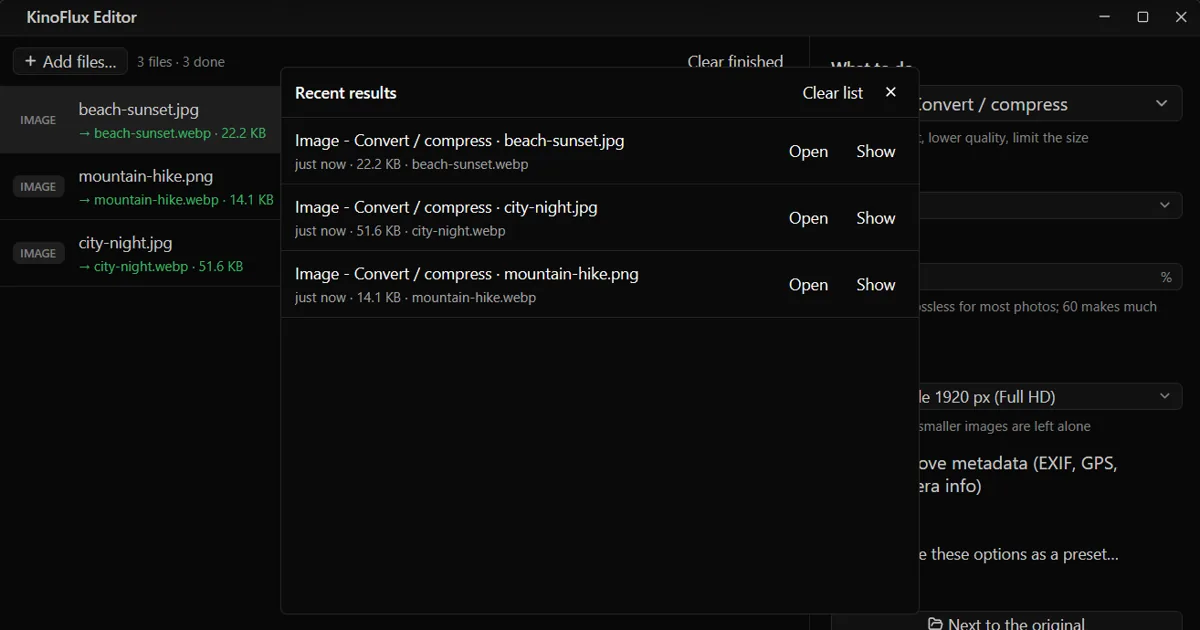
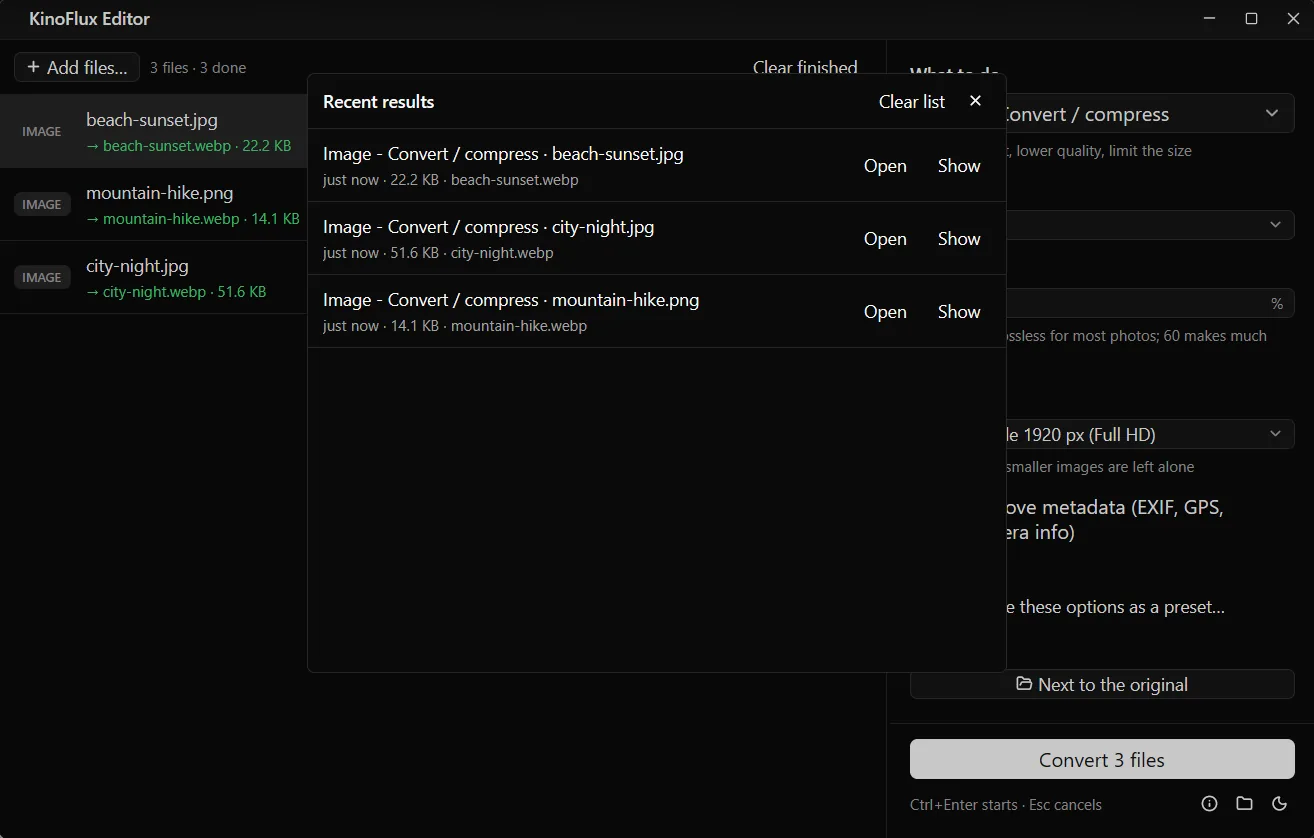
- History is the list behind the Results button: the last 200 finished jobs, with the tool, the input name, the output path, the size and the time. "Clear list" deletes it.
- Logs record start and stop, the version, the operating system, which tool ran and whether it worked, plus the error text from the conversion program. That text can include file names. Logs rotate and stay small.
- Crash reports are written only if the app crashes. Nothing is sent. They are there in case you choose to send one.
- Temporary files (preview pictures for trimming, unfinished
.partresults, LibreOffice scratch folders) go to the system temp folder and are removed after use. - The LibreOffice settings folder contains no documents.
Passwords you type for PDFs are used for that one job and are not stored anywhere.
Deleting it all#
Uninstall the app and tick "Remove my settings, presets, history and logs" in the Windows uninstaller. Or delete the folders in the table. On macOS, dragging the app to the Trash leaves the folders in your Library; the README gives a command to remove them.
How the "no network" claim was checked#
The project's data handling notes describe four checks for 0.1.2, made on 3 October 2026:
- Dependencies. The dependency list for the Windows, macOS and Linux builds contains no HTTP client, TLS library or networking stack. The code of KinoFlux itself has no sockets, HTTP or URL loading.
- The Windows executable. Its imports are Windows system libraries for windows, graphics, input and accessibility. It does not import
winhttp.dll,wininet.dll,urlmon.dllor a TLS library. - A runtime check. A script started the app, ran an image conversion, and watched every TCP and UDP endpoint of the app and its child programs for ten seconds. No endpoint was opened. The notes call this a spot check, not a proof.
- The bundled programs. This is the part to read carefully.
The honest limit#
FFmpeg and Poppler are built with network features. FFmpeg can speak HTTP, SRT and SSH, and Poppler uses libcurl. LibreOffice has an update checker in its normal interactive mode. KinoFlux Editor does not give these programs anything that could use those features: it passes only local files you picked, checks that typed paths exist, and starts LibreOffice without its window and with a private settings folder.
The notes say plainly that this is a design guarantee of the command lines, not an operating-system sandbox. If you need a hard guarantee, block the installation folder in your firewall. That is a sensible step for a program you do not otherwise need to trust.
Other limits from the same notes:
- While a PDF job with a password runs, the password is visible on the command line of the qpdf process to other programs running as the same user.
- Programs are started with argument lists, never through a shell, so a strange file name cannot inject a command.
- The Windows installer in 0.1.2 is not code-signed, so SmartScreen may warn. The install guide explains it, and shows how to check the download's SHA-256.
Reading the policy in the app#
The privacy policy, terms and third-party notices can be read inside the program: press F1.
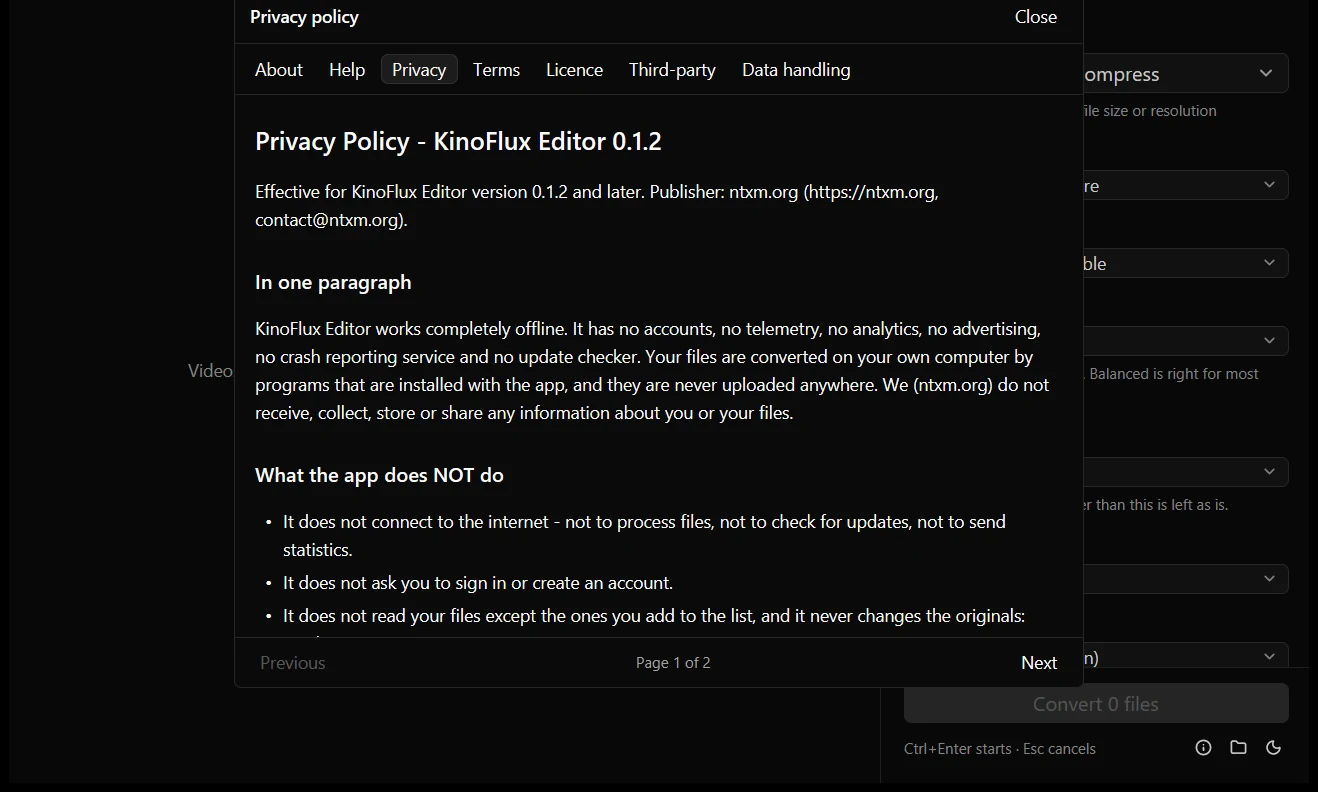
If a future version adds any network feature, the policy says it will be off by default, explained in the app, and the policy will be updated before it ships.
For an overview of what the app does, read the introduction. The download is on the product page and the v0.1.2 release page.
- privacy
- offline
- telemetry
- data